Made for the workday
Your farm.
Your work.
All together.
One clear place for your fields, daily work, and equipment. At your desk or out in the field.
Free today. Read our pricing promise
Mobile records work offline after the initial download.
 My Farm Assistant
Farm journal
Less searching. More remembering.
The details that matter, in one place.
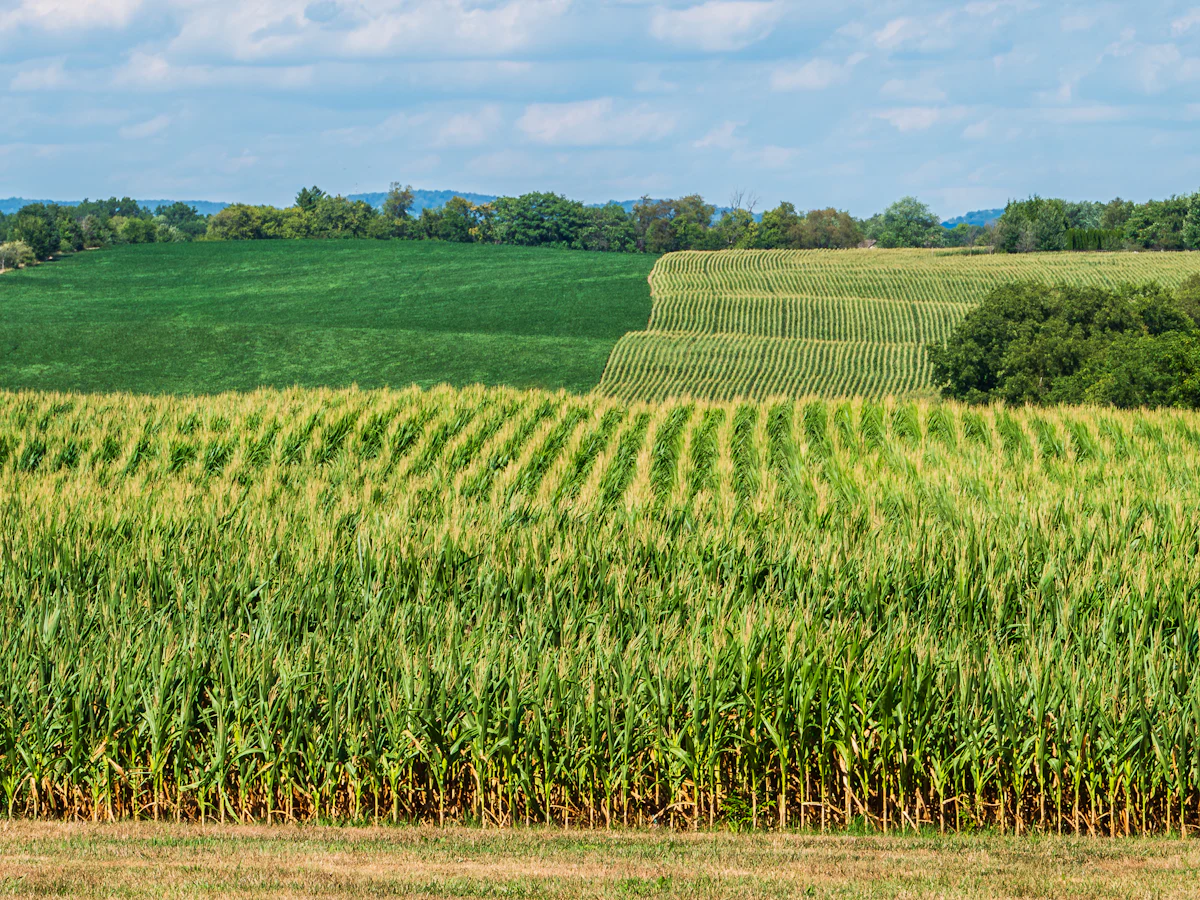
A home for every field
Field names, areas, and work history, together across your farms.
Explore farm recordsA record of the work
Seeding, scouting, harvests, and the details you want to remember.
See the field journalEquipment history, too
Machine details, maintenance, engine hours, and photos in one place.
Explore equipment records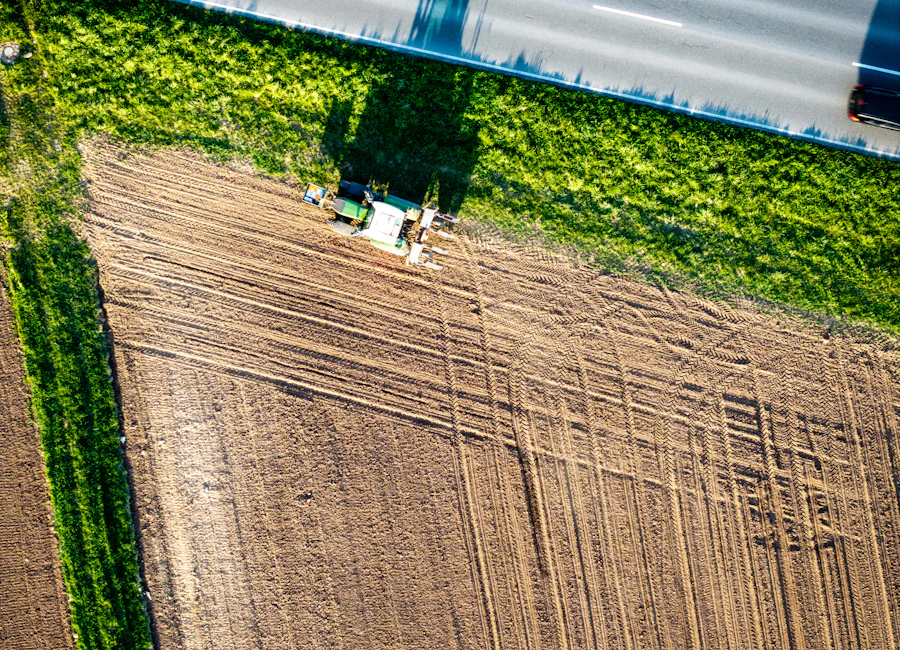
From the field to the workshop
Remember the last service.
Before the next one.
Give each machine a clear history, with dated maintenance, engine hours, notes, and photos.
See equipment recordsSame farm. Same account.
Ready wherever the day takes you.
At your desk
Open your farm in a browser.
Review records on a bigger screen. The web app needs internet.
Open the web appOut in the field
Keep working without signal.
Read downloaded records and save work on your phone. Sync when connected and the app can run.
See mobile accessAndroid closed test · iOS private TestFlight
Joining on Android? Follow the three setup steps
A little guidance goes a long way
Make your next record a useful one.
Short checklists and practical examples, from planting dates to maintenance.
Find a guide for your workA little help. Back to your day.
Find an answer or get in touch.